What to Download Before You Fly, and What Can Wait
LineCast Networks
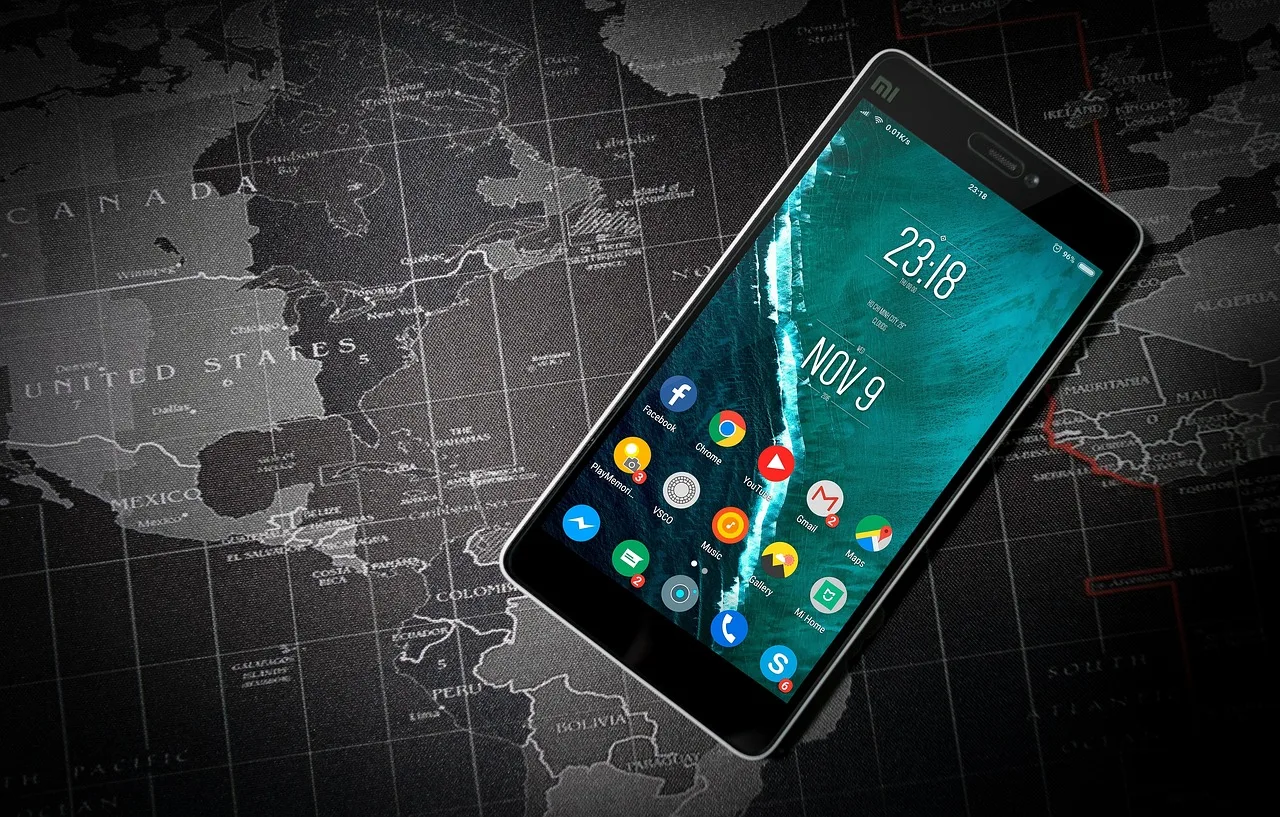
There are two rules in the air, and the one aeroplane mode is named after is not the aviation one.
The aviation rule is about the aircraft. In the United States it is 14 CFR 91.21, which the Federal Aviation Administration's advisory circular on portable electronic devices, AC 91.21-1D, says "was established because of the potential for portable electronic devices (PED) to interfere with aircraft navigation or communication systems." British and European airlines work to a rule built around the same worry. The Civil Aviation Authority's passenger briefing on flying with gadgets quotes the legislation directly: an operator "shall not permit any person to use, and shall take all reasonable measures to ensure that no person does use, on board an aeroplane a Portable Electronic Device that can adversely affect the performance of the aeroplane's systems and equipment." That is the rule that closes your laptop for landing.
The other rule is telecoms, and it is the one that put the word "phone" into the announcement. 47 CFR 22.925, a Federal Communications Commission regulation filed under Part 22, Subpart H, Cellular Radiotelephone Service, states that cellular telephones carried aboard aircraft "must not be operated while such aircraft are airborne (not touching the ground)." Its concern is the ground, not the flight deck. AC 91.21-1D describes the ban as valid for any aircraft lacking installed equipment able "to eliminate interference between ground-based cellular stations and airborne cellular devices," which is the FAA telling operators which aircraft are covered rather than announcing a purpose, but it names the worry clearly enough: the masts below you.
Two qualifiers, both worth holding on to. Title 47 is American law, and the FAA is careful about its reach: it "supports this restriction on airborne cellular telephone use while in U.S. airspace." Nobody is being put into aeroplane mode over the Pyrenees by the FCC. And aeroplane mode itself does more than 22.925 asks, cutting Wi-Fi and Bluetooth along with the cellular radio, which is why the aviation rule and the telecoms rule end up collapsed into a single sentence from the cabin crew.
Whatever you make of that, the practical result is the same, and it is the only part that concerns anyone in seat 34K. For the duration of the flight the phone is an offline computer. It usually stays one for a while after landing too, through the walk to immigration, the queue, the baggage hall, and however long it takes to get a working connection in a country whose networks you have never used. What is loaded on the device is what you have.
Most people prepare for this by downloading a film. That is the least useful thing on the list.
The map you downloaded probably does not do the thing you are about to do
Here is the sentence buried in Google's own support documentation for offline maps, and it deserves to be read twice: "When you're offline, transit, bicycling, or walking directions are unavailable."
Driving directions work. Walking directions do not. Transit directions do not. In a foreign city, on the first afternoon, walking and transit are approximately the only two things you will be doing. The map most people carefully download before a trip is optimised for the one mode they are least likely to use.
There is a second constraint on the same page. Offline guidance works "as long as the entire route is within the offline map." A neat rectangle drawn around the old town will fail you the moment your route clips a ring road outside it, which is exactly what happens on the way in from the airport.
Apple Maps behaves differently, and the difference points against the usual assumption about which of the two is the more capable tool. Apple's iPhone User Guide states that with a downloaded region, and without Wi-Fi or cellular service, you can "view information like hours and ratings on place cards, get turn-by-turn directions for driving, walking, cycling, or riding transit, and see your estimated time of arrival." Four modes offline against one. If you have an iPhone and you have been using Google Maps offline out of habit, that habit is costing you the thing you actually needed.
Both have the same underlying limitation, stated plainly in both sets of documentation and ignored by almost everybody. Coverage is not universal. Google's page opens with it: "You can't download offline maps in some countries or regions because of contractual limitations, language support, address formats, or other reasons." Apple's is shorter and identical in effect: "Offline maps aren't available in all countries or regions." Which countries changes over time, so the only reliable move is to try the download at home, on your own Wi-Fi, weeks before departure, while there is still time to install something else.
Two further traps, both self-inflicted, both avoidable in about a minute:
Google's offline areas expire. The app tries to refresh them automatically once they are within fifteen days of expiry and you are on Wi-Fi, which is a sensible default and a terrible thing to rely on, because the trip you booked eight months ago will hit the deadline while the phone is in a drawer with Wi-Fi off. Open the app before you pack and look at the list.
Apple has a setting called Optimize Storage, and the line for it in the iPhone User Guide is exactly as blunt as it sounds: "Automatically delete unused maps: Turn on Optimize Storage." It does what it says. The region you downloaded for a trip you postponed is not necessarily still there.
Draw the download box wider than the city. Include the airport, the road in, and any day trip you are half considering. Nobody has ever stood in an unfamiliar suburb wishing they had downloaded less.

The language pack, and the reason to do it at home
Google Translate lets you download individual languages so translation works without a connection. The mechanics are trivial and the timing is not. The instruction on the help page is to connect to Wi-Fi first, then pick the language and download it, and it carries a quiet warning worth reading closely: if the language is not in the list, "the language can't be downloaded." Not every language on the online service has an offline package.
Find that out in your kitchen, not at a rural bus stop.
Camera translation, the feature that turns a menu or a station sign into something readable, is a separate question again, and Google hedges it in a way worth noticing. With a pack already on the device, the help page says only that you "could be able to" hold the lens over that language, and it sends you off to a separate list of the languages instant camera translation actually supports. A subset, not a guarantee. Test it on something printed before you leave, ideally in the alphabet you are heading into. A phone that can render a Greek or Japanese sign into English while in aeroplane mode is worth more than any other download on this list.
Papers, and the ones you cannot download at all
Take a photograph of the photo page of your passport and store it somewhere that opens without a connection. This is not internet folklore. The issuing authority takes it for granted that you might have one and says it helps: GOV.UK's page for cancelling a lost or stolen passport tells you that if you have "a photocopy or photo of the lost or stolen passport, you can use it to help you answer questions about the passport." That is not an instruction to go and take one, but it is as close to an official blessing as this gets. The moment you need it is the moment you cannot get online to find it, so a cloud folder that streams thumbnails is not good enough. Keep a local copy.
Entry authorisations are the opposite case, and the place where most pre-flight downloading is wasted effort. Take the UK's electronic travel authorisation. GOV.UK is explicit that whether you need one depends on your nationality and on why you are coming, that holders of British and Irish passports are among those who do not, that everyone travelling needs their own including babies and children, and that landside transit counts: if your connection routes you through UK border control on the way to an onward flight, that needs one too. The authorisation itself is tied to the passport you applied with, and the guidance says you "only need to show your passport when you travel to the UK." There is a page to check whether you have one and when it expires. There is nothing to print, nothing to show, and nothing to carry. If you have applied, the useful pre-flight action is checking the status, not producing a document.
Arrival declarations, on the other hand, genuinely do need doing in advance, and the rules differ so sharply between countries that carrying an assumption from one to the next is a good way to lose an hour.
Singapore requires arriving travellers to file its arrival card, which carries an electronic health declaration inside it, with defined exceptions for people transiting without immigration clearance and for residents crossing at Woodlands and Tuas. It is free, it can be filed through a browser or the official app, and it has a window: submission must happen within three days including the day of arrival. Too early does not count.
The United States runs the opposite model for eligible arrivals. Customs and Border Protection's Mobile Passport Control app is free, and its submission is deliberately short-lived, active for four hours in the air environment. CBP's guidance says you can submit from your mode of transport or on arrival, which is to say on the plane or in the terminal, and that you then do not fill in a paper declaration. Eligibility is limited: US citizens, lawful permanent residents, Canadian B1/B2 visitors, and returning Visa Waiver Program travellers with an approved ESTA. Install it at home, because the submission window will not open until you are almost there and the terminal Wi-Fi is not the moment to be downloading anything.
One more, for anyone flying inside the United States and feeling modern about the wallet on their phone. The TSA's page on digital identity is unambiguous: "all passengers must still carry an acceptable compliant physical ID for verification." The digital credential speeds up a step. It does not replace the card in your pocket, and facial comparison is voluntary in any case.

Entertainment, downgraded to its proper place
Downloaded video is the thing everyone remembers and the thing with the most caveats. Netflix's own help pages state that not all titles are available for download, that downloads expire after a period of time, that certain titles cap how often you may re-download them within a year, and that ad-supported plans are capped on how many downloads may be taken per device in a calendar month. Read that last one carefully, because it is a ceiling on downloads taken rather than downloads held: deleting a film to free space and fetching it again later spends the month's allowance twice. The film you saved a fortnight ago may be sitting on the phone with an Expired badge on it.
The fix is boring. Do it the night before, on home Wi-Fi, and open one of the downloads to confirm it plays. Do it after the maps and the language pack, not instead of them.
The real budget is battery, not storage
Storage is cheap and abundant. Power is neither, and there is a regulatory wrinkle that catches people at the gate. The FAA's PackSafe guidance puts spare lithium batteries, power banks and phone charging cases in carry-on baggage only. If your cabin bag gets checked at the gate or planeside, every spare battery and power bank has to come out and travel with you in the cabin, terminals protected against short circuit. The guidance also notes that many airlines impose stricter rules of their own on how many power banks a passenger may carry, whatever the capacity, so the carrier's page is the one that governs.
Practically: the battery goes in the bag on your shoulder, always, and you check your specific airline before you rely on carrying two.
Offline navigation itself is cheaper than it feels. Satellite positioning is a receiving operation and works with no network at all. The drain is the screen and the processor, which is an argument for checking the map, pocketing the phone, and walking, rather than holding a lit display in front of you for a mile.
What can wait
Currency converters can wait, and mostly should never be installed. The arithmetic is a single number you can memorise on the flight, and any app that promises a live rate is useless in aeroplane mode anyway.
City guide apps can wait. So can restaurant booking platforms, museum apps and the airline's lounge finder. All of them assume a connection, all of them are available the moment you have one, and none of them earns space on a device you are about to make offline.
Local transport apps deserve one check rather than an automatic install. Some networks accept an ordinary contactless bank card or phone wallet at the gate, in which case the app is a solution to a problem you do not have. Look at the operator's own fares page before you download anything.
The discipline here is not really about storage. It is about deciding, before you are tired and in an unfamiliar arrivals hall, which of your everyday crutches you would miss most with no signal. In my experience that order is a walkable map, a language you can point a camera at, a picture of your passport, and a charged battery to run all three. Everything else is what you do once the phone works again.
Sources
- 47 CFR § 22.925, Prohibition on airborne operation of cellular telephones - the text of the FCC rule requiring cellular phones to be switched off once an aircraft leaves the ground
- FAA Advisory Circular 91.21-1D, Use of Portable Electronic Devices Aboard Aircraft - the purpose of 14 CFR 91.21, the FCC restriction and the aircraft it covers, and the FAA's support for it in US airspace
- CAP 1066, Flying with gadgets, UK Civil Aviation Authority - the CAA passenger briefing quoting the operator's duty over devices that can affect the aeroplane's own systems and equipment
- FAA PackSafe: Lithium Batteries - spare batteries and power banks in carry-on only, gate-check removal, and stricter airline limits
- Download areas and navigate offline in Google Maps, Android - offline unavailability in some regions, no transit, walking or cycling directions offline, whole-route requirement, expiry and auto-update
- Download offline maps on iPhone, Apple iPhone User Guide - offline turn-by-turn for driving, walking, cycling and transit, regional availability, and the Optimize Storage auto-delete setting
- Download languages to use offline, Google Translate Help - downloading language packs on Wi-Fi, languages that cannot be downloaded, and camera translation as a separate language list
- Digital Identity and Facial Comparison Technology, TSA - the requirement to carry a compliant physical ID even when using a digital one, and the voluntary nature of facial comparison
- Get an electronic travel authorisation (ETA) to visit the UK, GOV.UK - nationality-dependent requirement, British and Irish passport holders exempt, one per person including babies and children, and landside airport transit
- Get an ETA: Apply for an ETA, GOV.UK - the authorisation linked to the passport applied with, showing only the passport on arrival, and checking an ETA online
- Cancel a lost or stolen passport, GOV.UK - official confirmation that a photocopy or photo of the passport helps when reporting it lost
- SG Arrival Card with Electronic Health Declaration, Immigration and Checkpoints Authority of Singapore - who must submit and who is excepted, the three-day window including arrival day, and the free e-service and app
- Mobile Passport Control, US Customs and Border Protection - free app, eligibility categories, four-hour validity of an air submission, and submitting from the aircraft or terminal
- How to download titles to watch offline, Netflix Help - not all titles downloadable, downloads expiring, per-year download limits and the monthly per-device cap on ad-supported plans